# Downloading data
Once you've added your SCK to the platform and it's capturing and sending data correctly, you can interact with the platform in several ways. Visualizing the data, downloading the data and interacting with the data through the API.
## Direct CSV Download
To download your data directly from the platform, and hit *DOWNLOAD DATA*. You will receive an email with a link to download your data on CSV format in a minute or two.
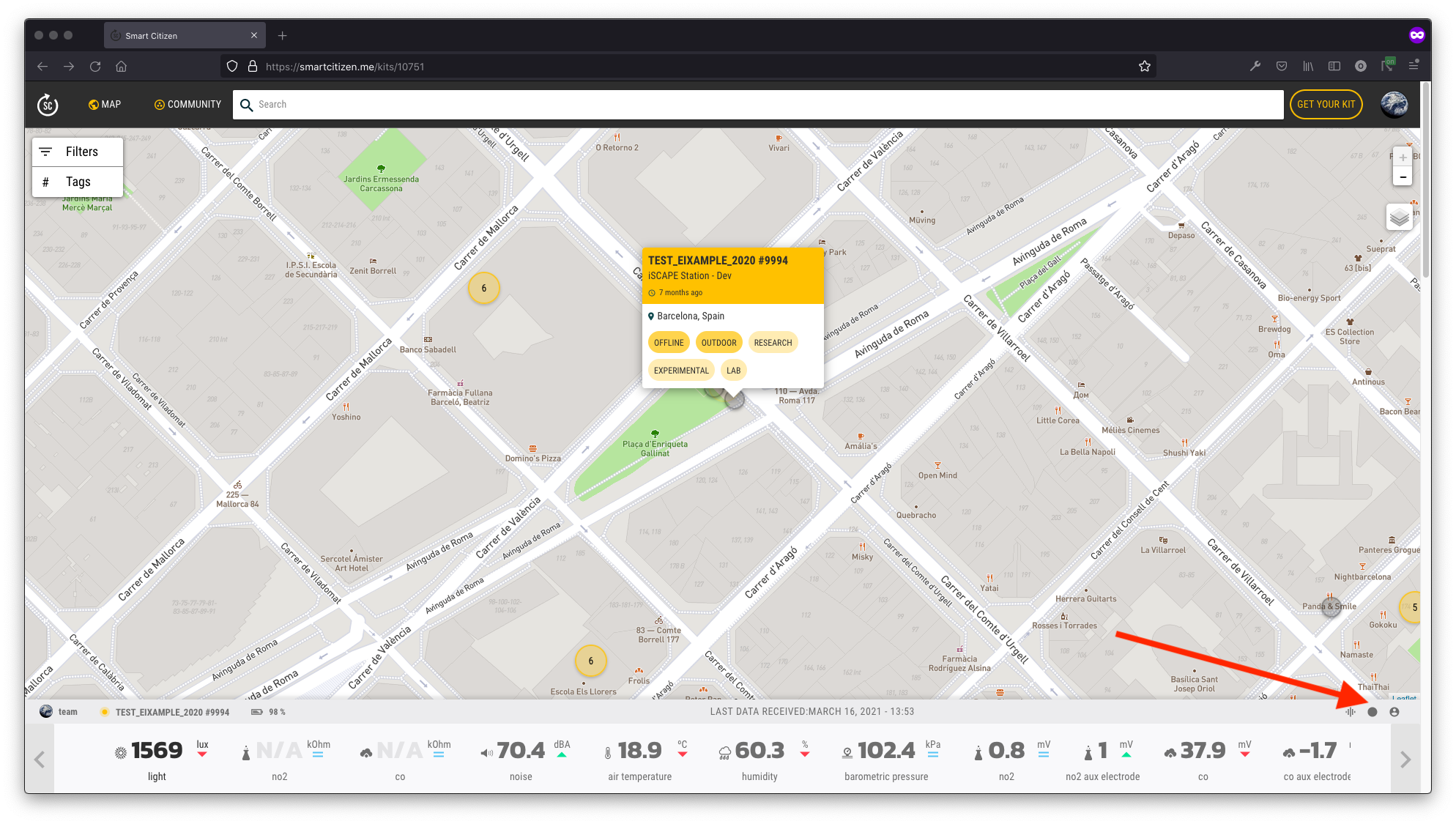
And then:
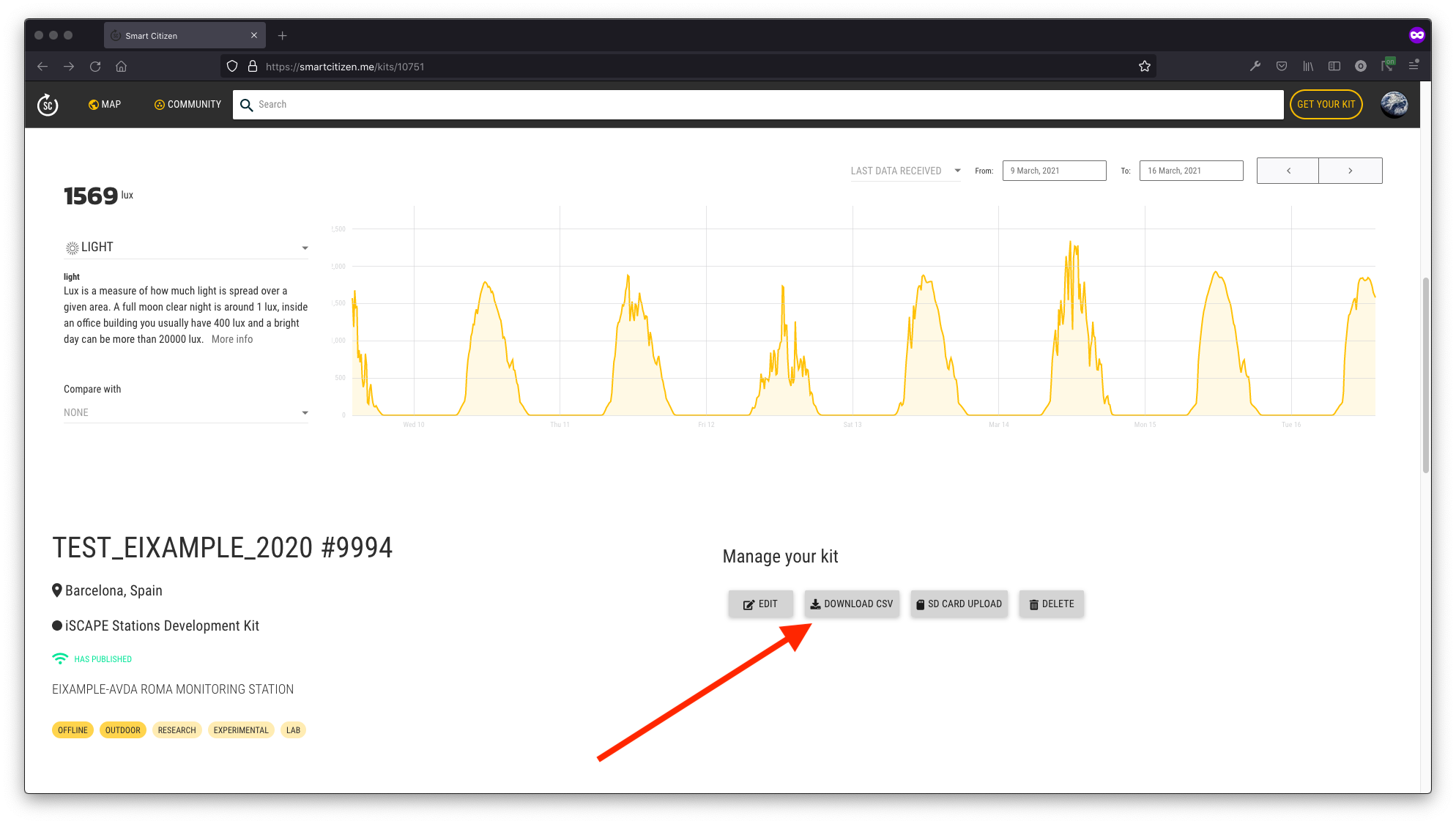
## API
The [Smart Citizen API](https://api.smartcitizen.me) allows you to request back information from your devices and do [many](https://docs.smartcitizen.me/data/data-tools.md) things with it.
It is a REST API and it returns the information in JSON format. This means you can easily access the information from any language like Javascript, PHP, Python, etc. and start doing things with it quickly.
!!! info "Developer ready"
Check the [developer documentation](https://developer.smartcitizen.me) for more information.
### Using scripts
Python scripts are provided in the [scdata](https://pypi.org/project/scdata/) python package repository for downloading devices data in a programatic way. Make sure to [check the examples](https://github.com/fablabbcn/smartcitizen-data/tree/master/examples) in the git repository.
!!! tip "Code examples"
You can also find some examples on [our data tools page](https://docs.smartcitizen.me/data/data-tools.md).