:construction_worker: Troubleshooting
==========================

## First, reboot your kit
!!! info "The magical reset button"
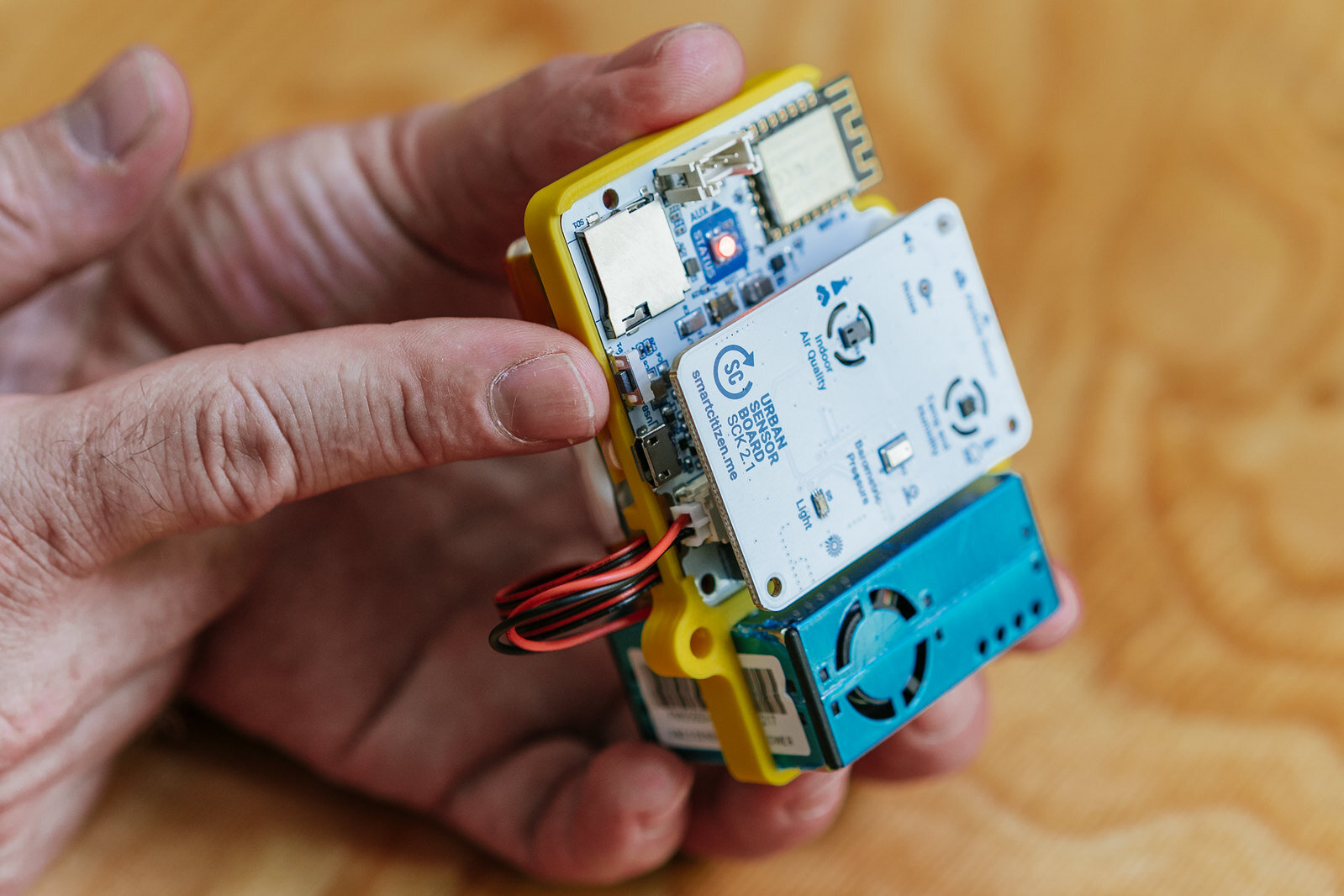
Before trying anything else, the [data board](https://docs.smartcitizen.me/hardware/boards/data-board.md) of your SCK comes with a very functional button that makes a hardware [reset](https://docs.smartcitizen.me/hardware/kit/features.md#the-reset-button) on the whole device. This is probably our best first try once the kit has any problem.
=== "SCK 2.3"

=== "SCK 2.1/SCK2.2"

Some issues this might help solving:
- The kit hasn't been posting data for a while
- The kit doesn't respond to user interaction with the ON/OFF button
- The LED is fixed and does not react to anything
- ...
Pressing the reset button will not delete any configuration, it will simply restart your device. The light will go off and on and the device will start again with a white LED.
This button is also to be used when reflashing the firmware, by double clicking it. Have a look at the guide [here](https://docs.smartcitizen.me/guides/firmware/upgrading-the-firmware.md).
You can also perform a reboot by disconnecting the battery and the USB cable so that the kit is restarted. In this way we will not lose any data or configuration. However, if we are in `SD card mode`, the kit won't know _what time it is_ and we will need to give to him. For doing so:
- Press the ON/OFF button once. The LED should be breathing RED.
- Connect to the network `SmartCitizen[...]` and set it up again to log in `SD card mode`.
## The network won't show up
Before configuring the Kit, if the `SmartCitizen[...]` network doesn't show up, make sure the LED is red. If not, press the button until the LED turns red.
 ## Factory reset your kit
You can fully reset the Kit to the default settings so you can register again your device. Press the main button for **15 seconds**.
After 5 seconds the light will go off and will go on again after 15 seconds. Then you can release the button and your device will be fully resetted as a brand new Kit.
## The LED does not turn on and the kit does not work
First of all, push the kit button. Maybe it's simply off.
If this does not work, most likely the kit has been left without battery. You will have to charge it using the USB charger. Any other mobile charger will also work.
We will know that it is charging when the LED emits orange pulses and once the battery is charged it will emit green .
If the kit does not respond at all, it is probably worth trying with another USB cable, in case that is the problem. If not, drop us an email at [support@smartcitizen.me](mailto:support@smartcitizen.me) or post in the [:speech_balloon: forum](https://forum.smartcitizen.me).
## The kit does not store the data on the SD card
Some SD cards may have problems over time. We can try formatting it, but in case it does not work any micro SD card we buy at any mobile or computer store it will work. The size is not important and any micro SD or micro SDHC 512MB card up to 32GB will work.
## The kit does not boot with the PMS Sensor
Make sure that you power the Smart Citizen Kit with a _good enough USB cable_ and with an adaptor that can provide at least 1A. We have found some issues when powering the sensor with a thin cable, or from a weak power source, like a screen.
## List of known and fixed issues
In this section, we will detail some problems you might have found in the early firmware versions of SCK 2.1.
### Light sensor reads 0 and temperature/humidity sensor does not work
The issue is caused due to a firmware bug (light) and a problem with some SHT31 sensors (also fixed by firmware). A full explanation is detailed on the [forum](https://forum.smartcitizen.me/t/the-light-sensor-is-fixed/1172) and the fix was released with [V0.9.4](https://github.com/fablabbcn/smartcitizen-kit-21/releases/tag/0.9.4) of the SAMD firmware.
### Noise readings don't go below 45dBA
This issue is caused due to a firmware bug that initialized badly the I2S microphone in SCK2.0 and SCK2.1 sensors. A full explanation is detailed on the [forum](https://forum.smartcitizen.me/t/origin-of-the-noise-db-a-code/1391/12) and and the fix was released with a pre-releasue [V0.9.8](https://github.com/fablabbcn/smartcitizen-kit-21/releases/tag/0.9.8) of the SAMD firmware.
### PM Sensor always reads 0
This issue has been detected after a batch from Plantower PMS5003 sensors during 2021 that yields 0ug/m3. A full explanation is detailed [this AN](https://docs.smartcitizen.me/assets/notes/2022_01_PM_INTERVALS.html) and on the [forum](https://forum.smartcitizen.me/t/pm-sensor-always-reading-0-0/1649/21) and the fix release is [V0.9.9](https://github.com/fablabbcn/smartcitizen-kit-21/releases/tag/0.9.9). **The sensor operation is correct, and there is no need for hardware replacement.**